Professional portraits: the photo that makes people want to work with you (LinkedIn, website, press)
People judge you in a few seconds based on your profile picture. A good portrait doesn't make you better-looking: it makes you recognizable, credible and approachable.
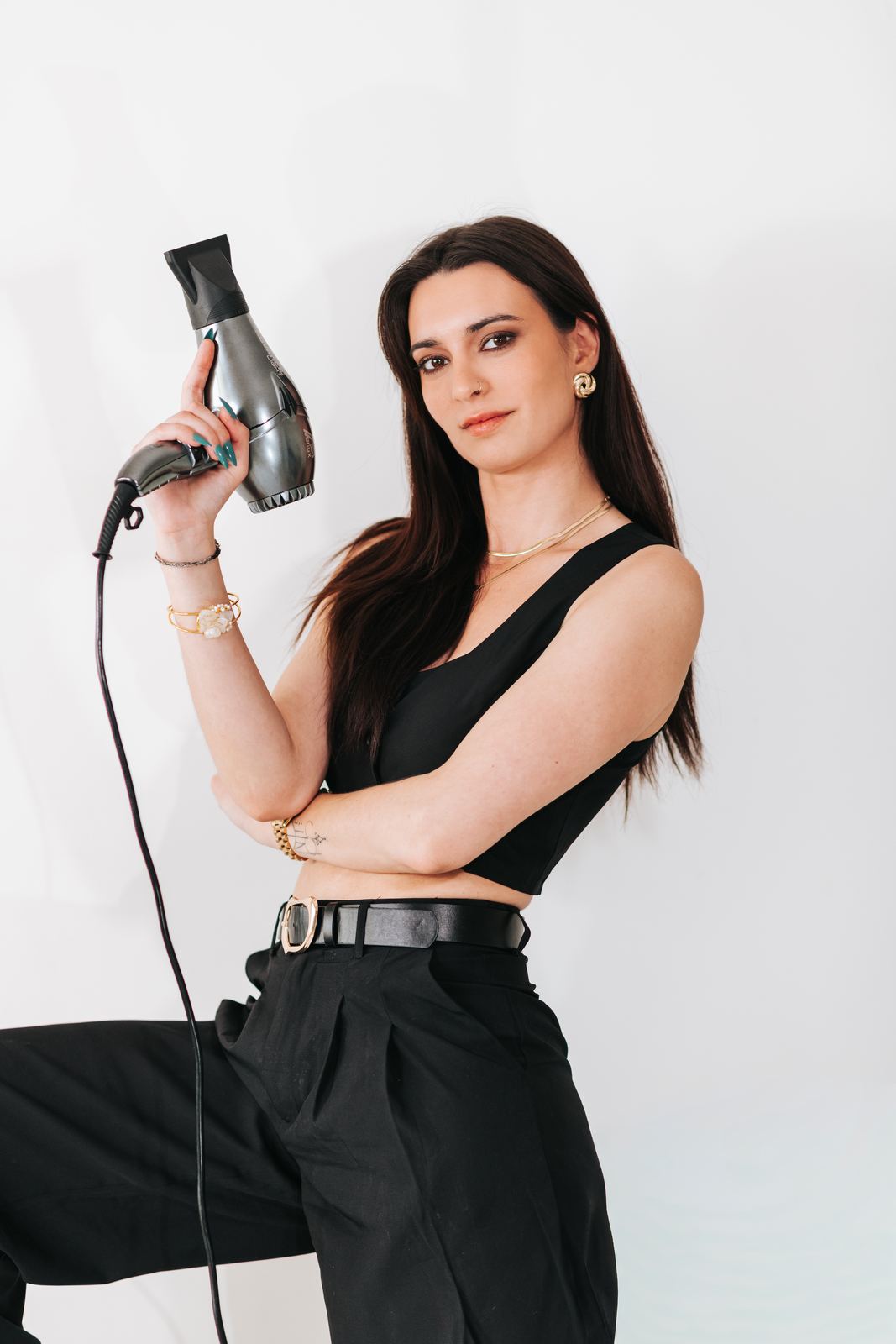 Portrait
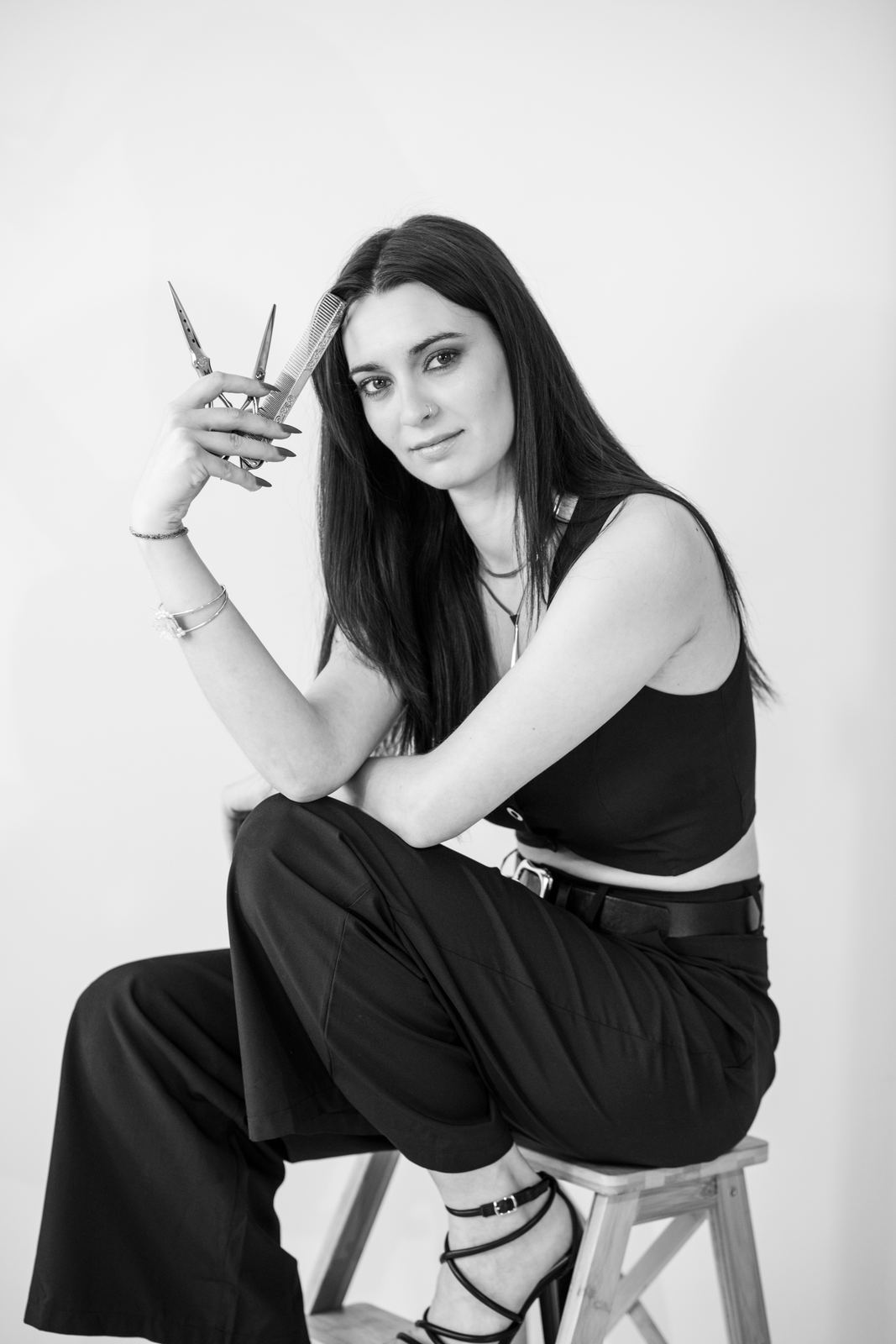
- A good professional portrait should look like you on a good day, not transform you.
- Plan several formats: a tight headshot for LinkedIn, wider pictures for your website.
- Think about “on the job” photos that show what you do.
People look at your photo before they read your name. On LinkedIn, on your website, in a press article, it creates the first impression. A cropped selfie or a picture cut out of a wedding photo shows. Not because the image is “ugly,” but because it doesn't tell what you do.
What a professional portrait is really for
A good professional portrait has three jobs: to make you recognizable (the person people meet should be the one in the photo), to build trust, and to make people want to know more. My years as a journalist taught me to look for what truly defines a person. That's what I try to bring out.

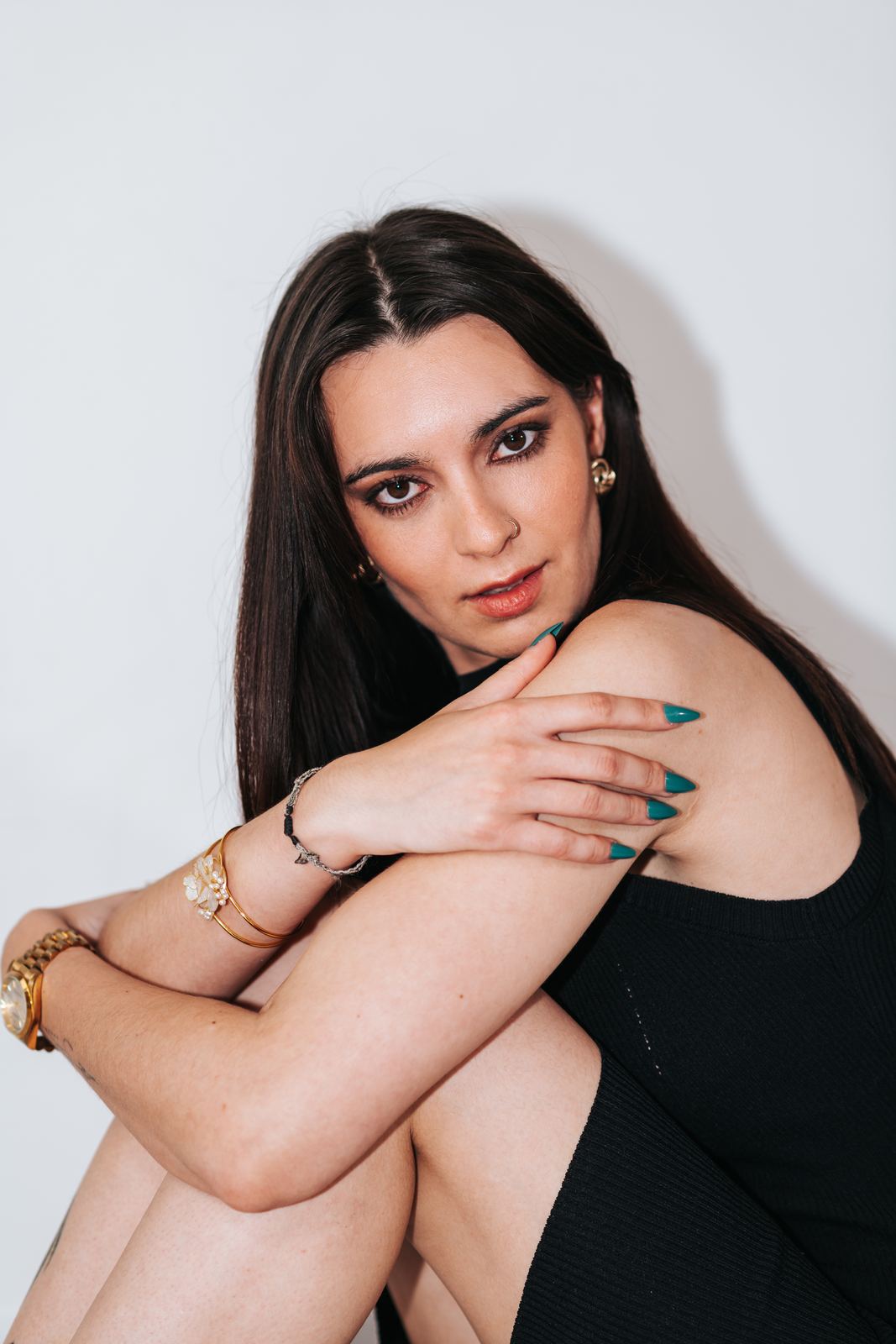
Which pictures to plan for, depending on how you'll use them
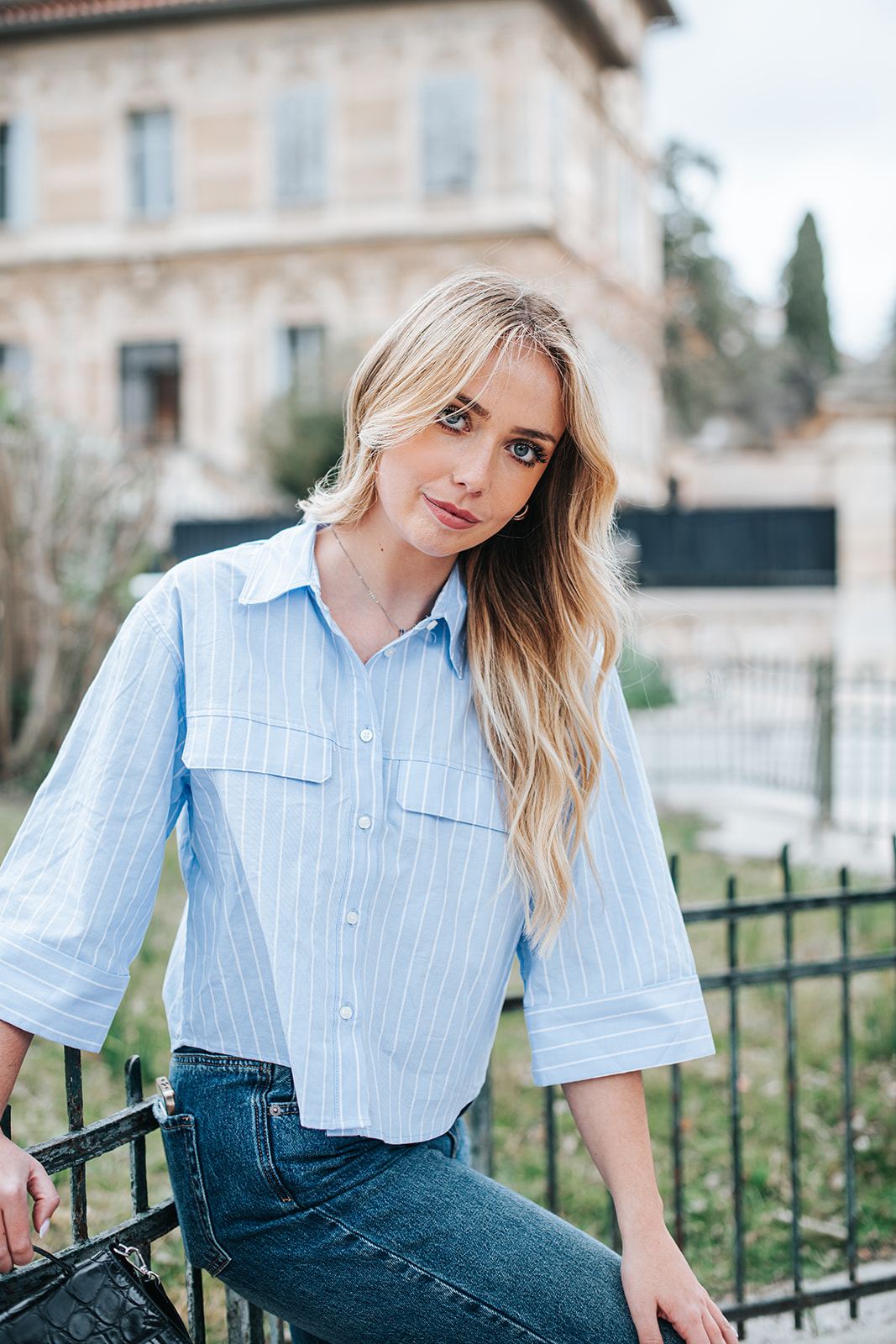
- The profile headshot: tightly framed, sharp face, simple background. For LinkedIn, Google, your email signature.
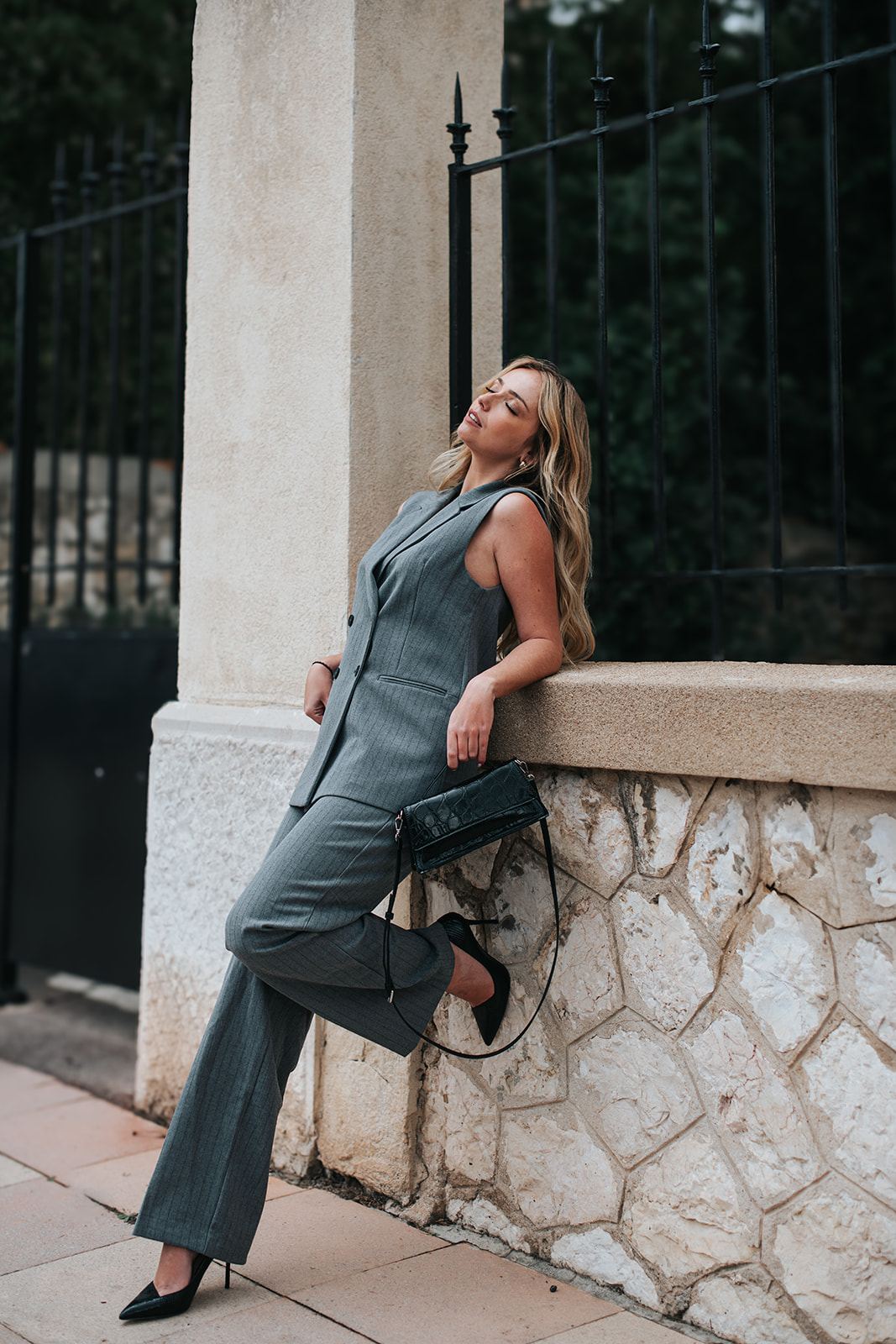
- The editorial portrait: wider, with space around you. Perfect for a website's “About” page, a banner, an article.
- On-the-job pictures: you at work, your hands, your tools, your workshop, a conversation with a client. They bring your website and social media to life.
You need “serious” photos, but you're afraid of looking stiff or cold.
We alternate. A few portraits looking at the camera, simple and composed, then pictures where you talk about your work, laugh, explain. Then we select the ones that match your image: professional, but human.
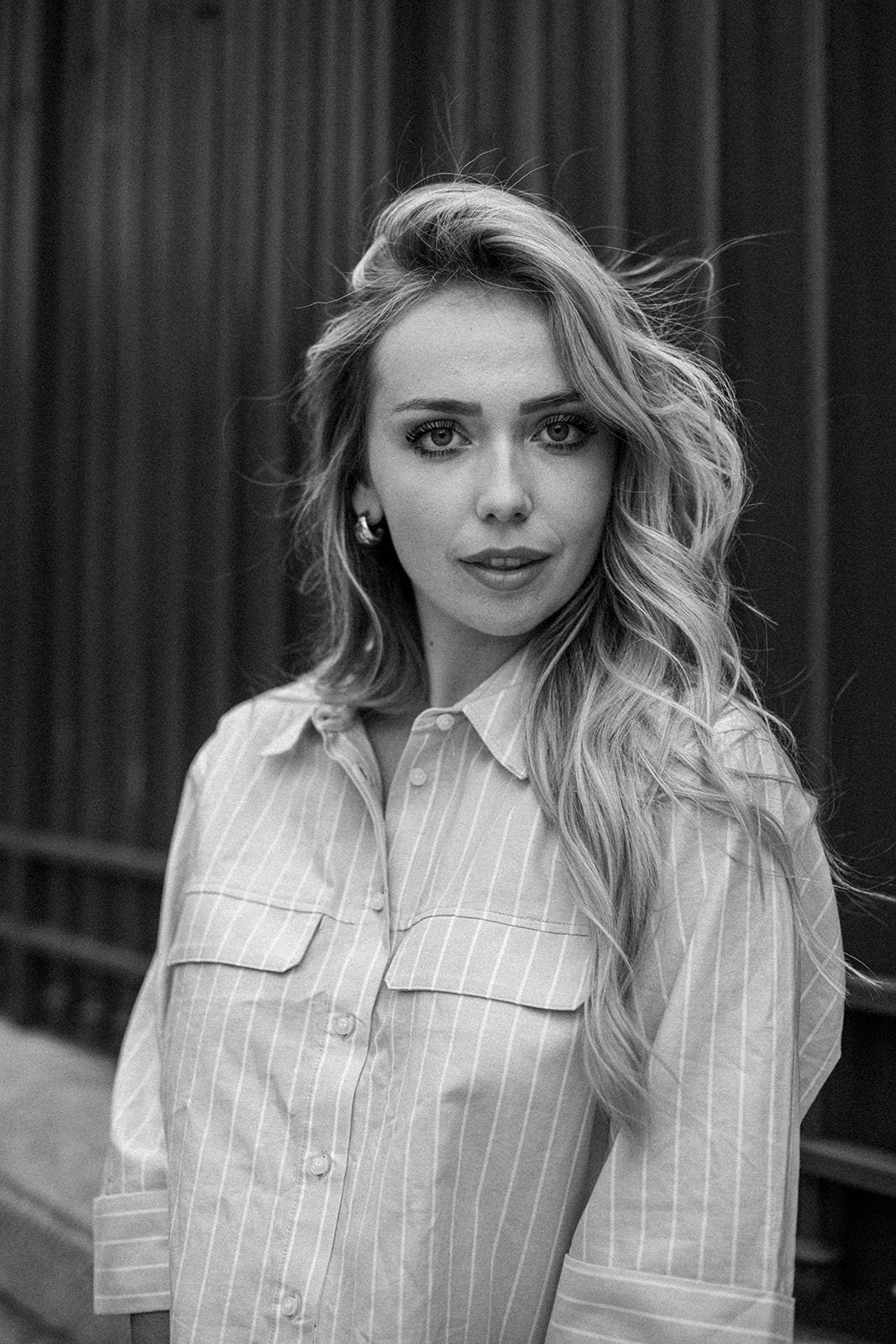
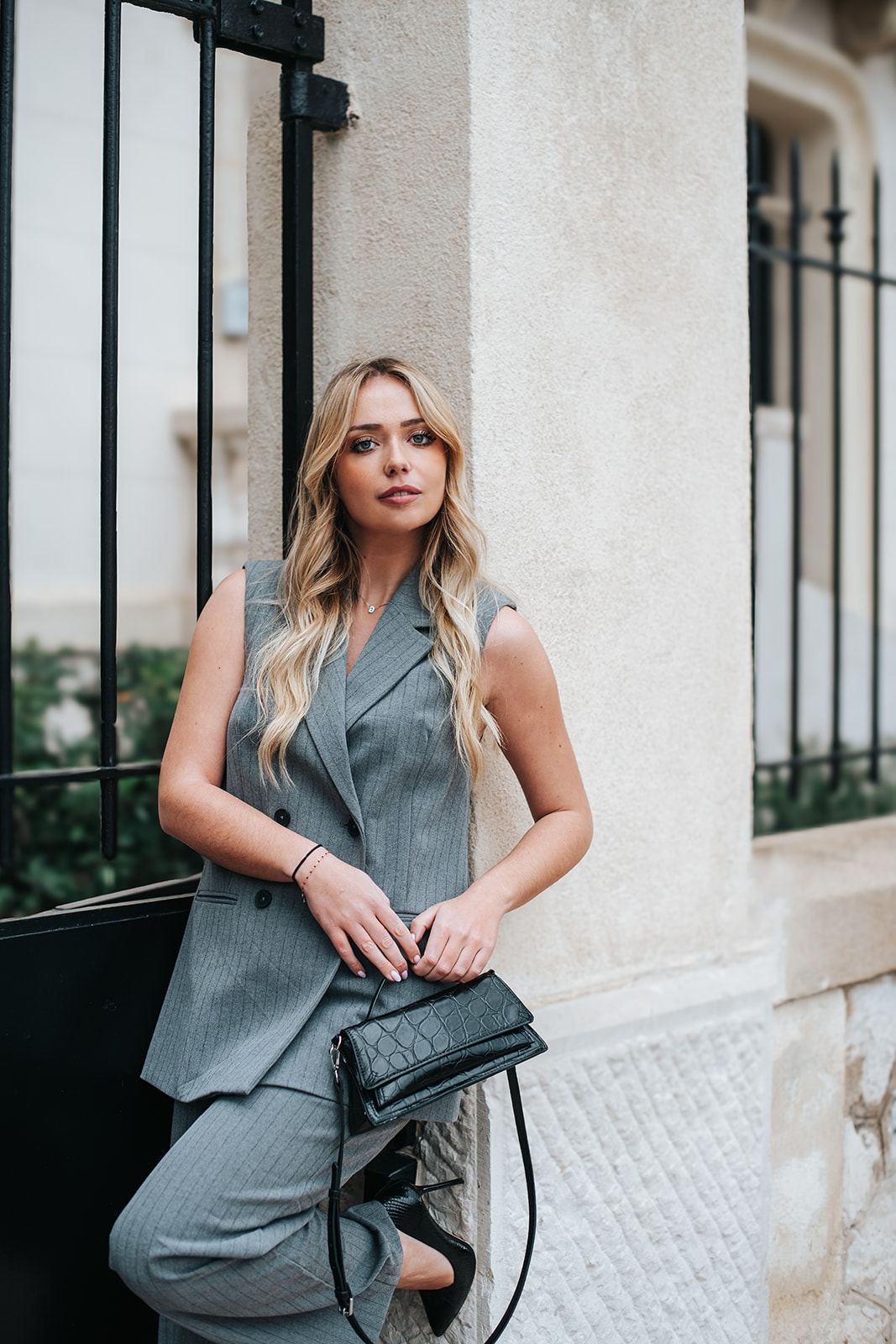
Preparing the session
Picture an interior designer launching her business in Marseille. We take a few tight portraits against a light wall for LinkedIn, then pictures in an apartment she renovated: she compares fabric samples, sketches on a floor plan, laughs with a client. Her website now presents both her and her work at the same time.
Update your profile picture on every platform at the same time (LinkedIn, Google, website, signature). Consistency is part of credibility, and people will recognize you from one place to the next.

Frequently asked questions
What photo should I use for LinkedIn?
A sharp portrait framed on your face and shoulders, with a simple background and an open expression. It should look like you on a good day.
How many outfits should I bring for a professional portrait?
Two or three: one more formal and one more relaxed, to cover different uses.
Where can I have a professional portrait taken in Marseille?
In a place that represents you: your office, your workshop, a café, or outdoors depending on your line of work.
Want to talk about your session?
Tell me about your plans: I reply personally, with advice tailored to your date and location.
Contact meRead next
All articles →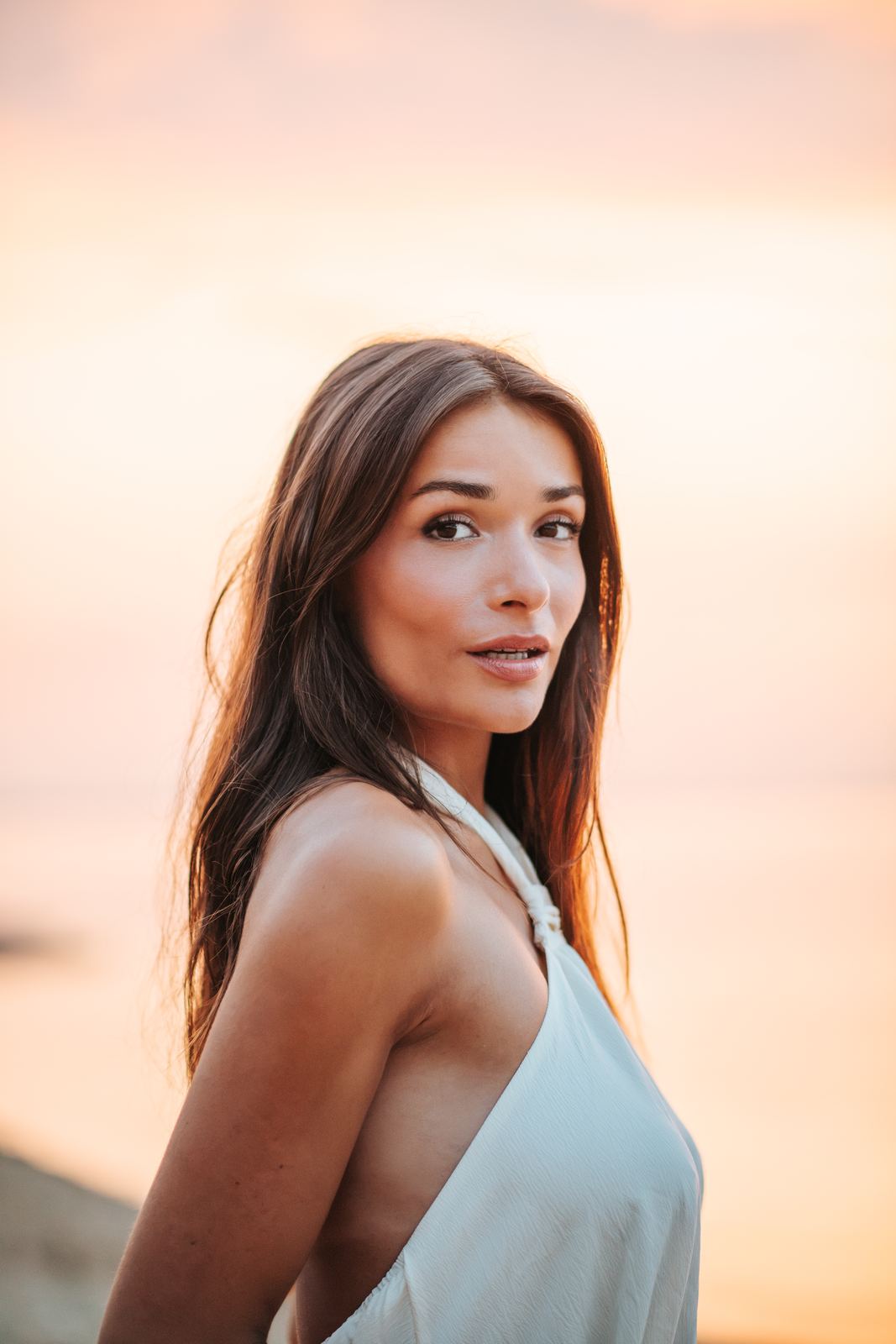 Portrait
Getting ready for a portrait session: hair, makeup, outfit and mindset
A former model shares everything she wishes she'd known before her first shoots. Nothing complicated, just small details that make a real difference.
 Wedding
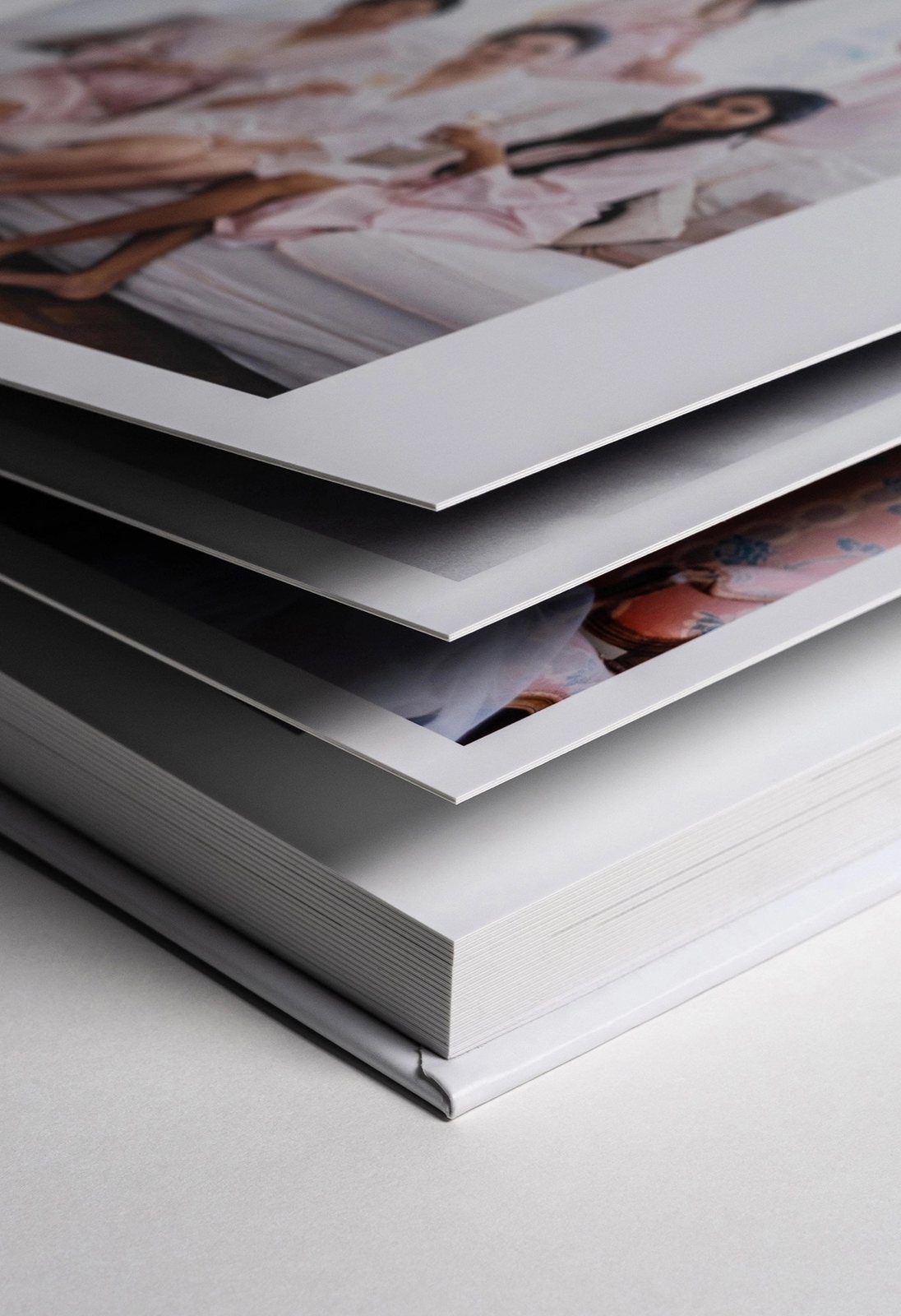
The wedding album: why I have mine made by Dreambook (and how we design it together)
Not a book with flimsy pages: a true keepsake, with 800 gsm pages, printed on Fuji photo paper and made in Europe. Where my albums come from, and how we design them together.
 Wedding
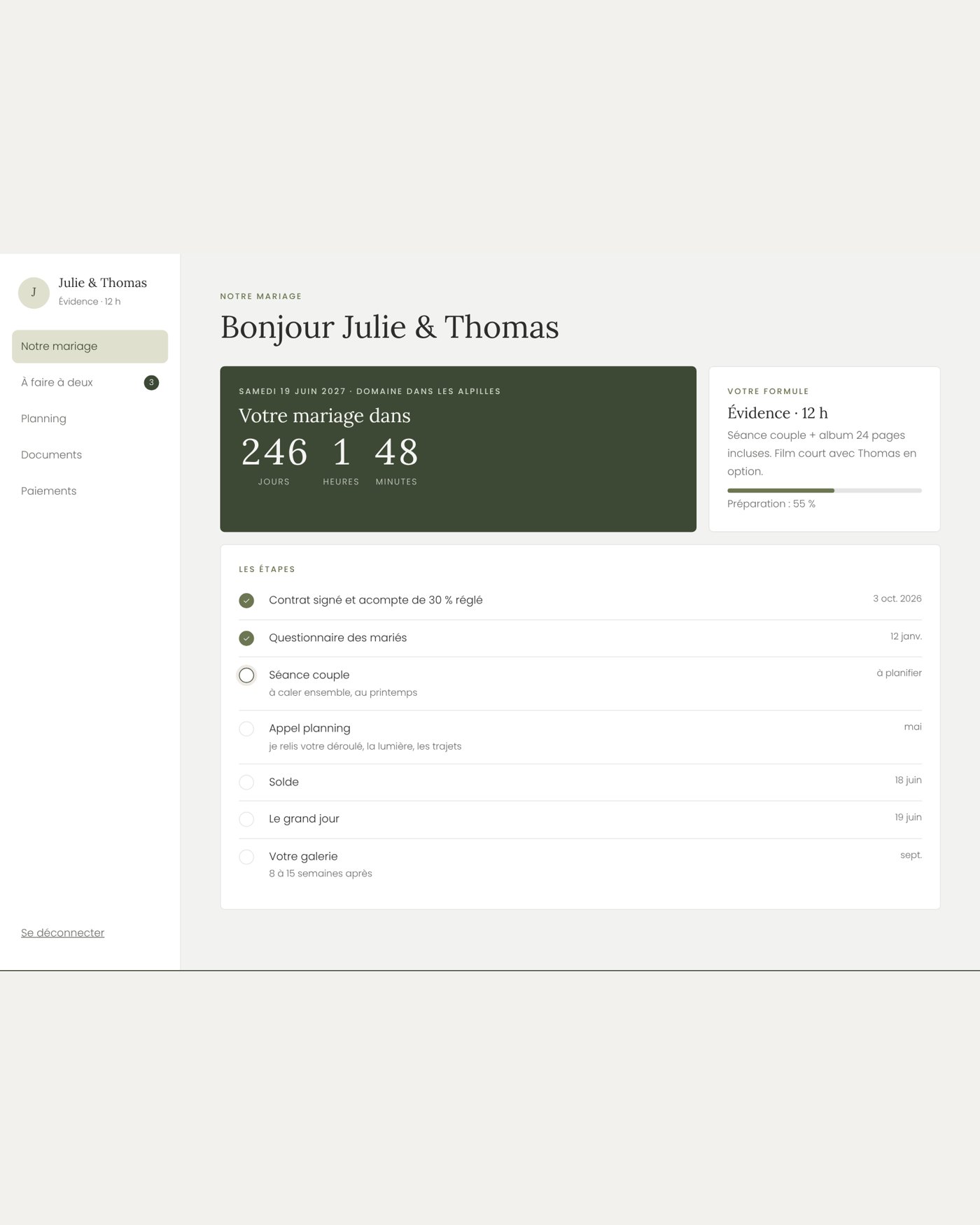
The Wedding Notebook: your online space to prepare for the big day, explained from A to Z
A space all your own to prepare your wedding photos: timeline, travel times, a shared to-do list, documents and payments. How to get in, what you'll find there, and why I created it.